
Article
What is a Router?
A router is a device that connects networks and allows devices to share data over the internet. Learn about routers, their functions, and the different types.
Recent Articles
A router is a device that connects networks and allows devices to share data over the internet. Learn about routers, their functions, and the different types.

Kinetic explains Wi-Fi hotspots and how they work. Learn more about hotspots.
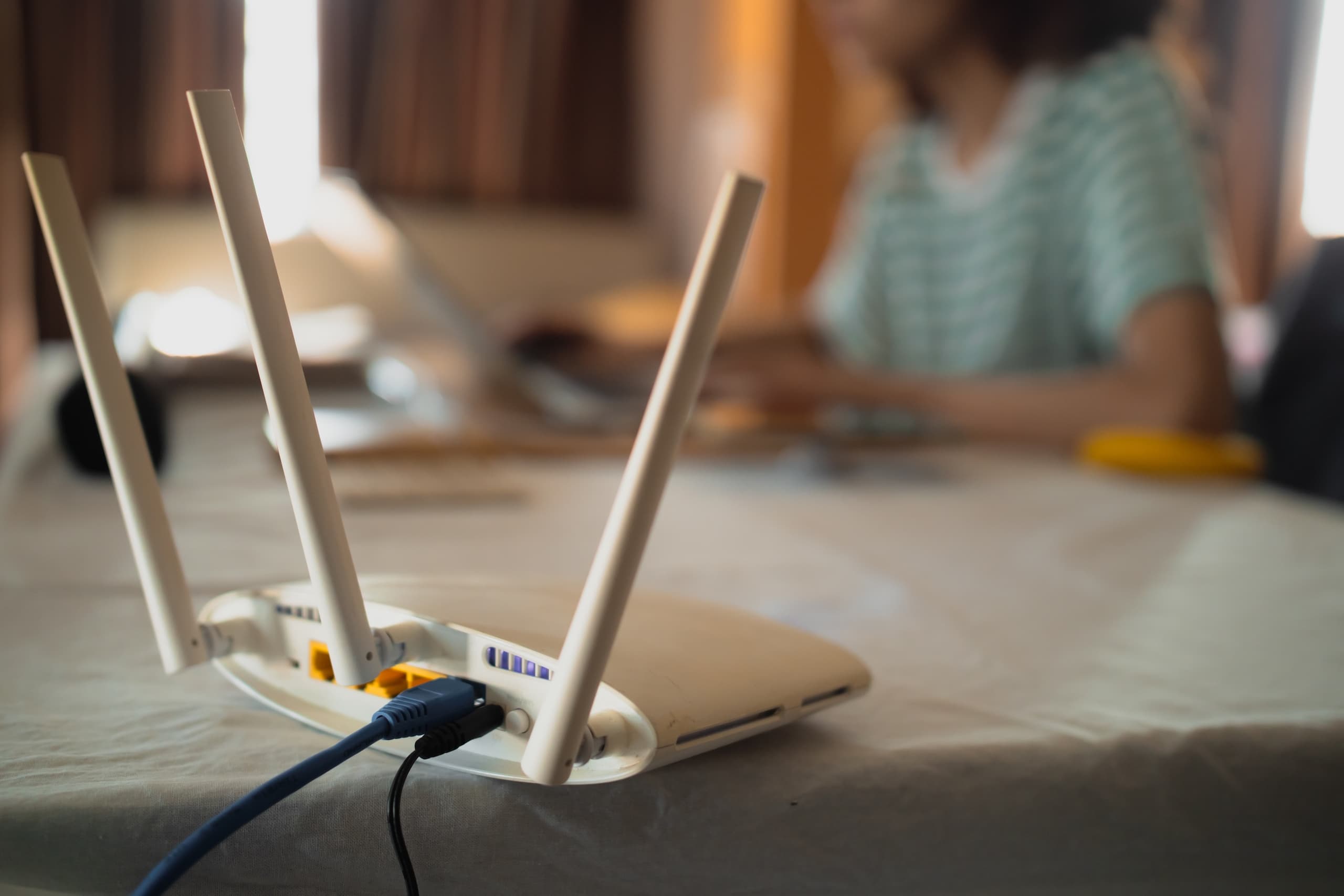
Discover the key differences between a modem and a router and determine their essential roles in your home network setup. Learn more from Kinetic.
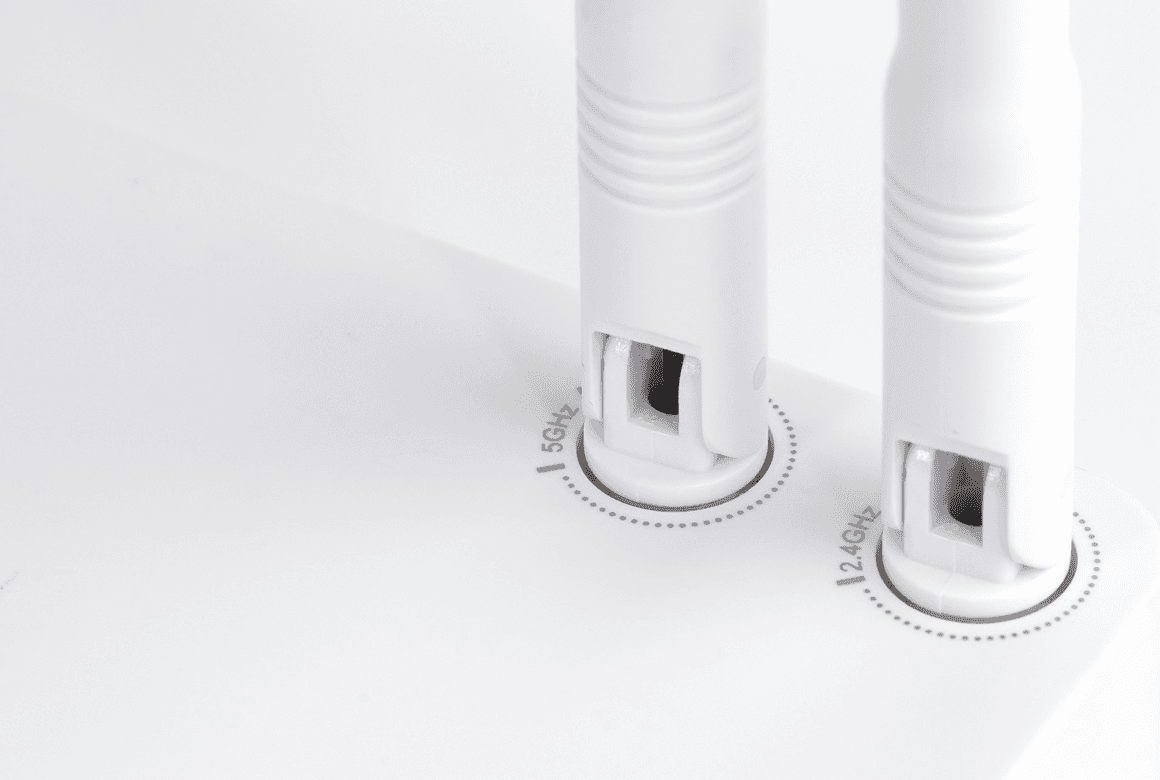
The difference between 2.4 GHz vs. 5 GHz frequencies can affect your speed.

Discover how Kinetic supports communities with disaster relief in Mississippi, kindness initiatives in Kentucky, and digital literacy programs. Join us in making a positive impact!

Discover the differences between internet speed and bandwidth for efficient browsing. Learn more from Kinetic.
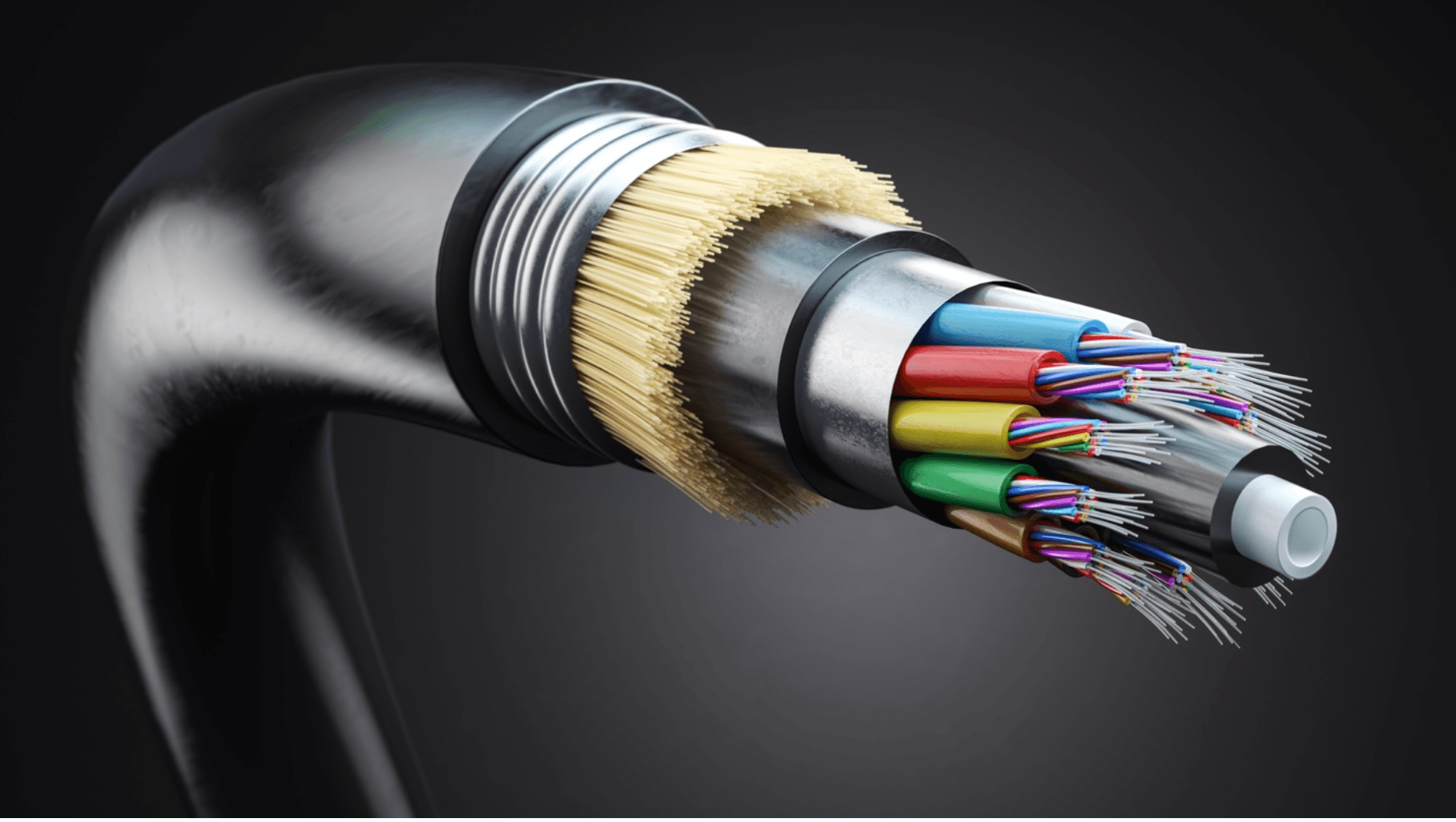
Kinetic explains what fiber internet is, how it works, and why you need it.

Kinetic compares rural internet providers to help you find internet services for rural areas. Compare satellite and wireless internet options (and more).

Learn about various internet connection types, including fiber, DSL, satellite, and cable, to make an informed choice for your connectivity needs.
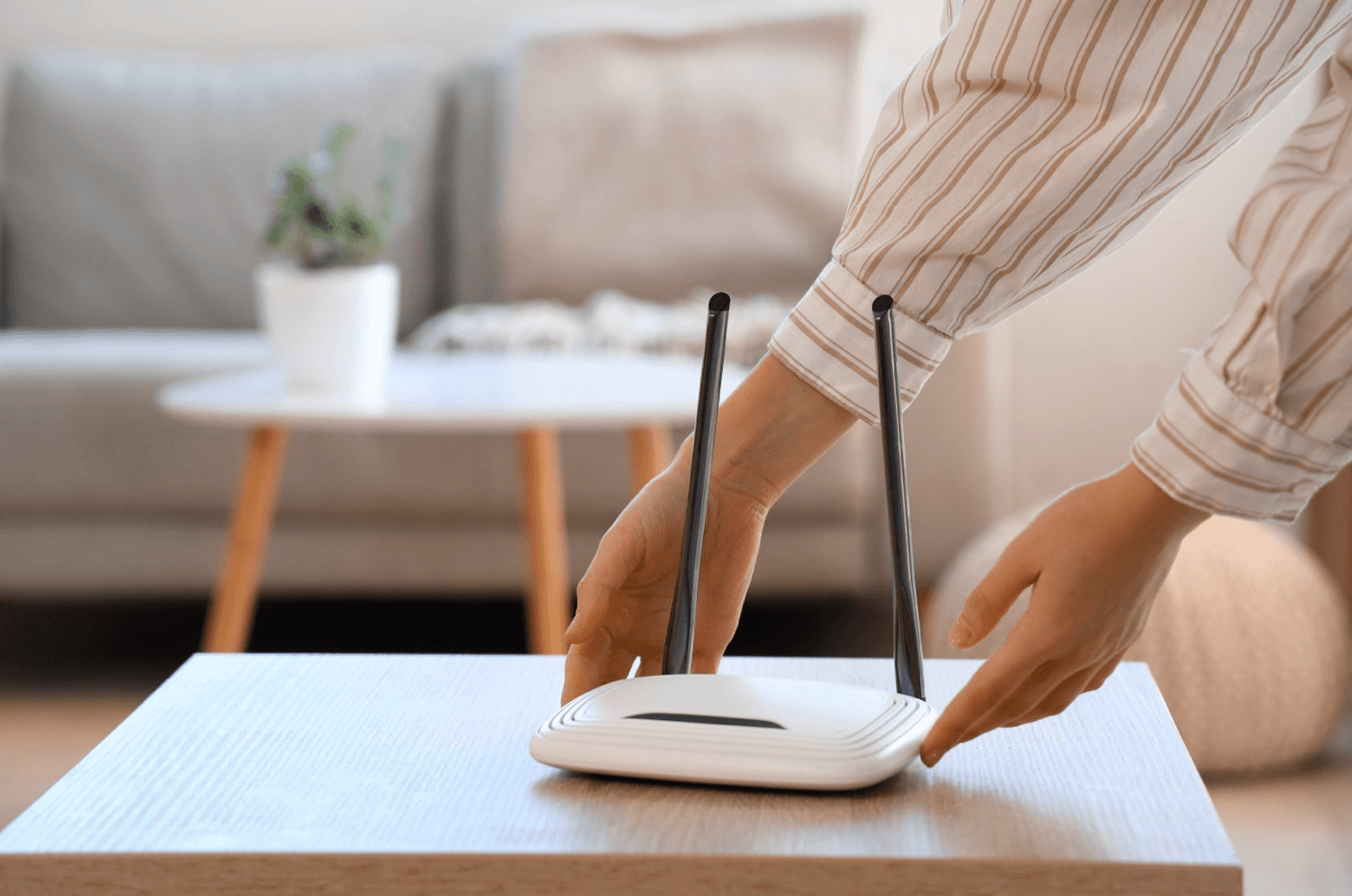
Learn how to extend your Wi-Fi network range with simple techniques, such as moving your router or using Wi-Fi extenders from Kinetic.

Discover the difference between Mbps and Kbps for a better understanding of internet speeds.

Find out more about what cable internet is and how it works from Kinetic.


Learn more about the differences between DSL, cable, and fiber internet technologies to select the best option for your needs.

Find the easiest way to cost-effectively cancel your internet service. Follow simple steps for a smooth cancellation and learn more about Kinetic.

Learn about the importance of network latency and how it affects data transfer.

Thinking of switching phone carriers? Kinetic breaks down everything you need to know about how to choose a new phone carrier.

Kinetic walks you through how to restart your router in 4 easy steps.