Show me the best offers in my area
location_on
To see plans for your address, check availability.
location_on

better live TV. bigger lineup.

Save up to $120 your first year of YouTube TV when you switch to Kinetic.

Kinetic customer?

Call (866) 445-8084

New users only. Terms apply.
See offer details.
Youtube TV Hero image

100% fiber and YouTube TV

Channel lineup 2
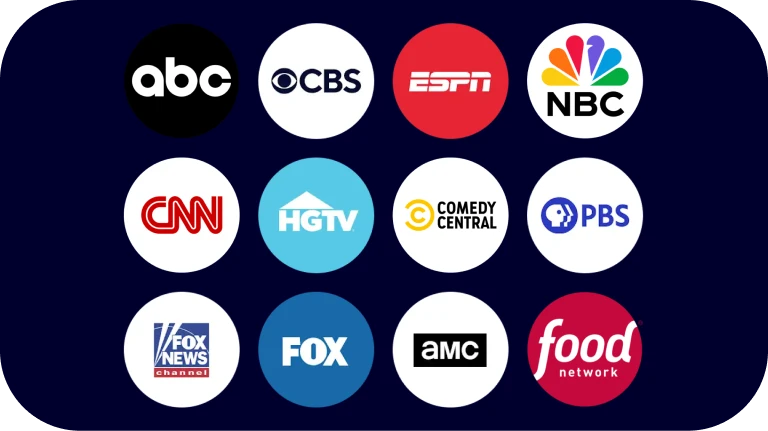
100+ channels

All your favorite live sports, breaking news, and must-watch shows.
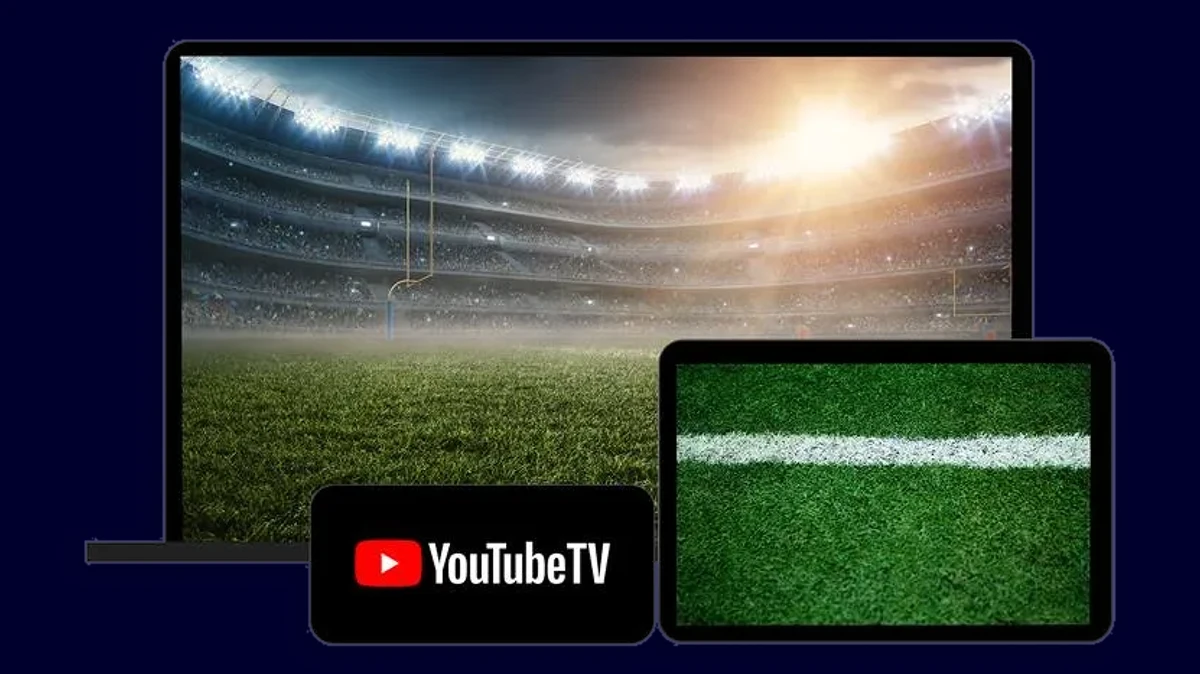
watch it anywhere
watch it anywhere

Enjoy on your tv, phone, tablet, or laptop - anytime, anywhere.
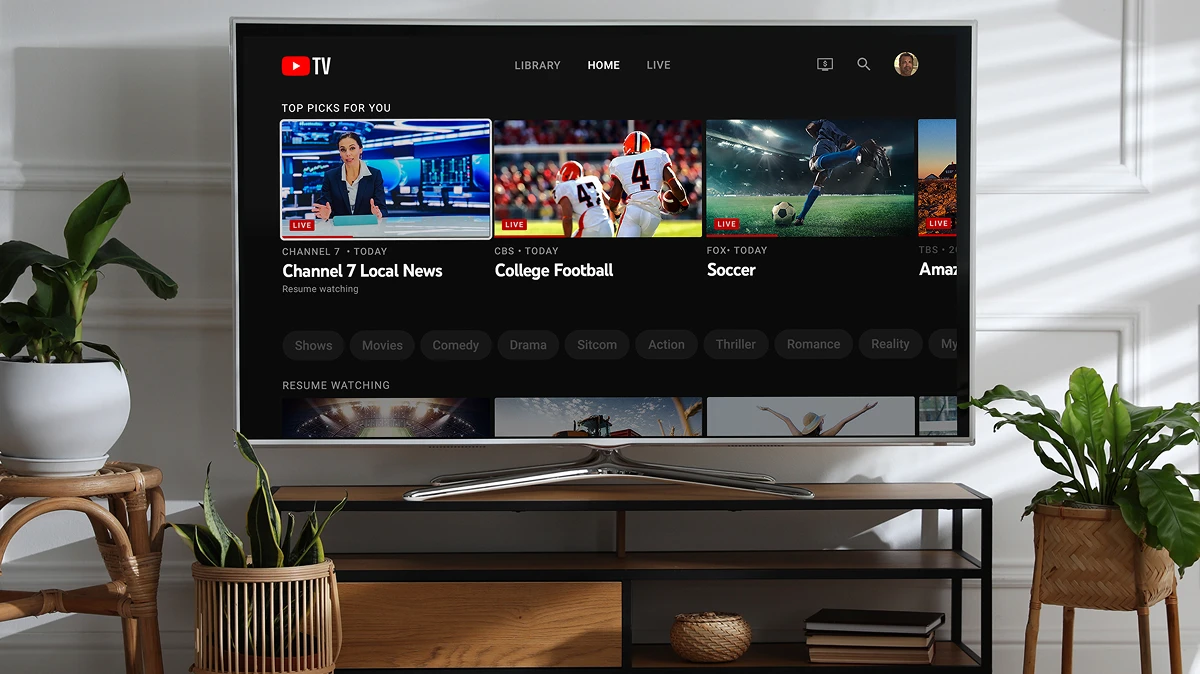
easy to setup and use

Sign up and start watching in minutes.

stream better with Kinetic and YouTube TV

Cart icon black

1. sign up for Kinetic Fiber Internet

Enjoy exclusive savings on bundles and add-ons. See what’s available in your neighborhood.

Play icon black

2. add YouTube TV

Never miss out on your favorite shows with YouTube TV.

Bill icon black

3. enjoy simplified billing

Pay for your live TV and fiber internet in one place. 

Happy family

why YouTube TV?

Power all the entertainment you love with 100% fiber internet.

  • checkYour favorite live TV without long-term contracts or a cable box
  • check100+ top channels and multiview to watch up to four programs at once
  • checkUnlimited cloud DVR to record and store your favorites
  • checkWatch on your TV, phone, tablet, or laptop—anytime, anywhere
  • checkCancel anytime without hidden fees or surprises
Channel list

all your favorites in one place

Enjoy 100+ channels of live sports, breaking news, and must see shows and movies. Supported on all your devices.

FAQs

  • It’s a bundled option that combines our internet service with a YouTube TV subscription for a streamlined TV experience alongside reliable, high-speed internet. Eligible customers can receive a $10/month bundle discount for 12 months. No YouTube TV contract required.

  • YouTube TV is live TV without the cable box, with 100+ channels across cable, broadcast, and regional sports—think ESPN, ABC, CBS, FOX, NBC, FX, and more—so you can catch local games, national matchups, breaking news, and your favorite shows. It includes unlimited cloud DVR to record everything and watch on your schedule, at home or on the go, plus up to six accounts per household so everyone has their own profile and recommendations. To see exactly what’s available where you live, check the YouTube TV channel lineup and enter your ZIP code.

  • New and existing Kinetic Internet customers (with the exception of customers on 100 Mbps plans) who add a new YouTube TV subscription through Kinetic are eligible, subject to availability at your address. Eligible customers receive a $10/month bundle discount for 12 months on their combined bill.

  • We recommend at least 10 Mbps to stream reliably.

  • Your Kinetic Internet and YouTube TV charges will appear together on your Kinetic bill. If eligible, the $10 bundle discount will show for 12 months and after that period it will go to the Youtube TV subscription price. Users who are not eligible for a discount will be billed at the YouTube TV subscription price upon sign up.

  • Contact us or visit our site to check availability at your address. We’ll review your account, confirm the best internet plan, and enroll you in the bundle. After we place your order and install your internet service (for new Kinetic customers), we’ll send your YouTube TV registration details so you can activate your subscription and start watching in minutes.

  • After we place your order and install your internet service (for new Kinetic customers), we’ll send an email with your YouTube TV activation link. Open the email, click the link, enter the code provided in the email. Sign in with your Google account, and follow the prompts to finish activation. Then install the YouTube TV app on your devices and sign in. If you don’t see the email, check your spam folder or contact us at 1-800-347-1991 and we’ll resend it. For more information on Google account, please visit Google Account Help page.

  • On a smart TV or streaming device, open the app store, search for “YouTube TV,” install the app, and sign in. On a phone or tablet, download the YouTube TV app from the iOS App Store or Google Play and sign in. On a computer, go to tv.youtube.com in your browser and sign in with your account. If you have multiple devices (Roku, Apple TV, Fire TV, Chromecast, smart TVs), repeat the steps on each one you want to use.

  • Yes. YouTube TV offers Spanish-language channels and plans in many areas, including a dedicated Spanish Plan and Spanish add-on packages. Availability and channel lineups vary by location—you’ll see your options during activation and in your YouTube TV account. Note: the Spanish Plan (Spanish base package) is not eligible for the $10/month bundle discount. If you want Spanish content, you can select a Spanish add-on or the Spanish Plan during the activation flow; your choices will be reflected on your combined bill, but the bundle discount applies only when you choose the standard YouTube TV Base plan.

  • For YouTube TV troubleshooting and general support, visit the YouTube TV Help Center here.