Meet Go Kinetic.
A better, more connected experience starts here.
Effortlessly manage your services, get support, pay your bill, and more — all in one place. You’re in control of your Kinetic experience anytime, anywhere.
Steps to get you started.
Follow the simple steps below to get the most out of Go Kinetic.

STEP 1: Download and launch
Download the Go Kinetic app using the links above, then launch Go Kinetic.
STEP 2: Complete registration
Log in to your Go Kinetic account. If this is your first time setting up, you’ll need your Kinetic account information, such as your account number, mobile number, or email address.
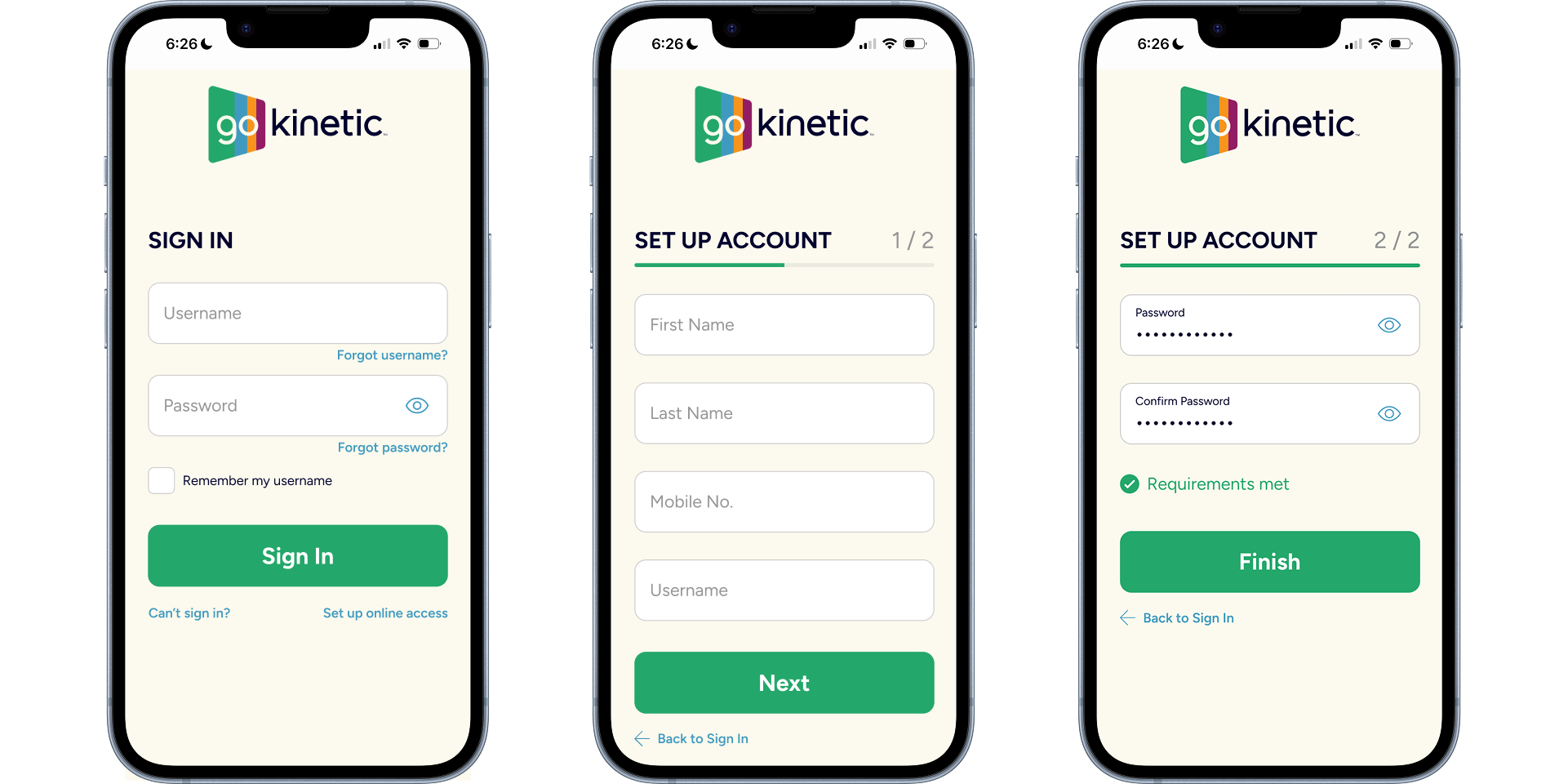
STEP 3: Set up your account
Follow the in-app instructions to finish setting up your Go Kinetic account.
STEP 4: You're all set
Now you’re ready to take control and stay connected with Go Kinetic.