Articles
•Apr 18 2025
2.4 GHz vs. 5 GHz: Which frequency should you choose?
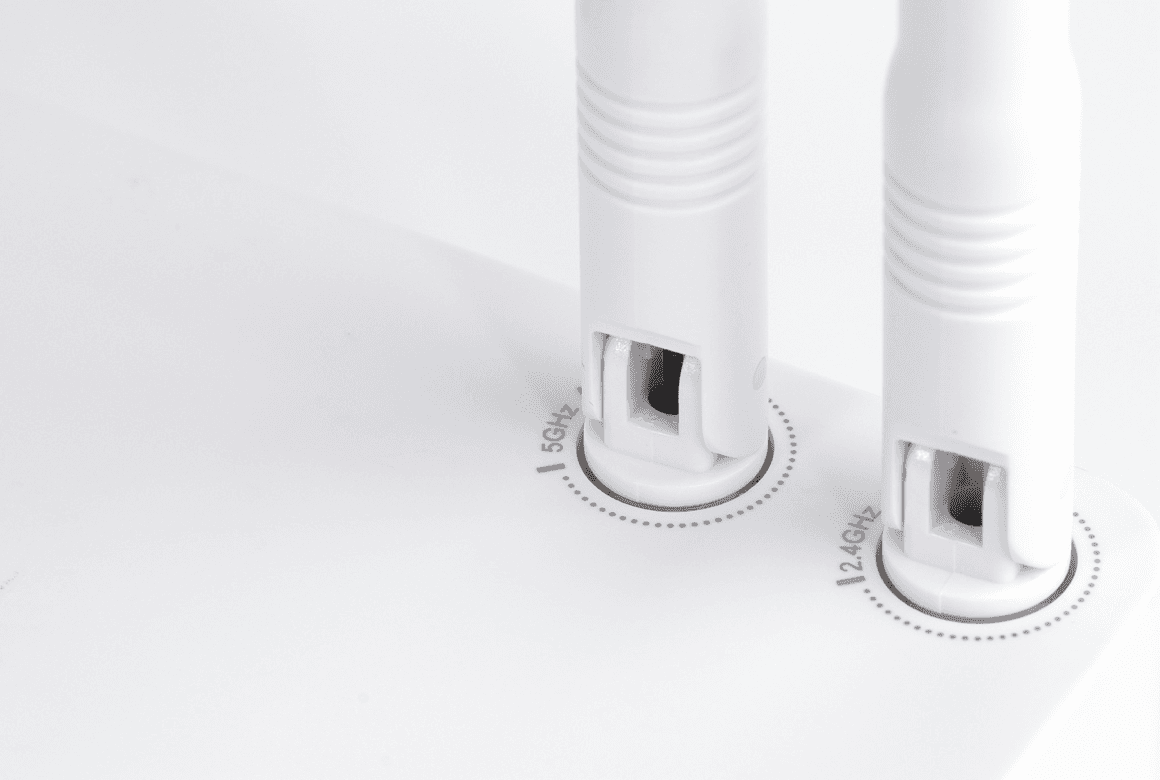
Your Wi-Fi router provides internet to your devices wirelessly via a radio frequency that's measured in gigahertz (GHz). The higher the gigahertz, the faster your internet speed, but the shorter its range. The two most commonly used frequencies are 2.4 GHz and 5 GHz, each with unique pros and cons.In this 2.4 GHz vs. 5 GHz comparison guide, we’ll explain and compare the two frequencies – their speed, range, power, and more. Once you understand each frequency's benefits and differences, you should have no trouble picking the best one for your Wi-Fi setup. Our 2.4 GHz vs. 5 GHz would be incomplete without a deep dive into the features that differentiate these two Wi-Fi frequency bands. Here’s a 2.4 GHz vs. 5 GHz chart that summarizes the key differences between these two Wi-Fi frequencies.
Let’s take a closer look at some of the most important features of 2.4 GHz and 5 GHz Wi-Fi frequencies. Choose the 2.4 GHz frequency setting if you want to maximize your Wi-Fi router’s range and device compatibility. However, the 5 GHz band setting is better for experiencing the fastest speeds and bandwidth that supports intensive internet use across multiple devices.Looking at 2.4 GHz vs. 5 GHz, each frequency’s unique advantages make it ideal for specific needs and scenarios. 2.4 GHz is the best choice if you want a strong wireless internet connection over a larger area (up to 150 feet indoors). But remember that 2.4 GHz doesn’t offer top internet speeds or sufficient bandwidth for data-intensive tasks across several devices. On the other hand, 5 GHz is optimal for connecting several devices and running multiple high-bandwidth tasks without compromising internet speed or quality. It’s also much faster than the 2.4 GHz band, offering up to 1 gigabit speed. This makes the 5 GHz band your best choice if lightning-fast download and upload speeds are your priority.However, while the 5 GHz band’s speed is superior, it has a smaller coverage area (maximum of 100 feet indoors) and loses signal strength with each wall it must pass through. As such, you’ll get the best signal from a 5 GHz router if your device is within the same room.
 There are other Wi-Fi frequency bands besides 2.4 GHz and 5 GHz. For example, there are 6 GHz, 40 GHz, and 60 GHz, and the higher the GHz, the faster the download and upload speeds. However, while higher frequencies can provide faster internet, they typically have the trade-off of a shorter range.With 6 GHz Wi-Fi’s high speeds, you can enjoy ultra-high-definition (UHD) video streaming and virtual reality (VR) without lag or latency issues. Most systems built after 2021 with Wi-Fi 6E or Wi-Fi 7, including laptops and smartphones, can operate on this band. 40 GHz isn’t as popular for home Wi-Fi use, but you can find WiGig (Wireless Gigabit) systems using the 60 GHz band. WiGig-enabled devices can access up to 7 gigabits per second internet speeds. But you have to be within 30 feet of the router to connect and enjoy these speeds.
What does 2.4 GHz mean?
2.4 GHz is one of the wireless frequency bands your Wi-Fi router uses to provide internet to your devices. It’s a popular frequency because it’s compatible with most wireless devices and has a longer range than other frequencies. With the 2.4 GHz frequency's extensive range, a router can provide wireless internet to devices throughout most homes. Also, since the 2.4 GHz frequency is better at penetrating obstacles, such as walls, it’s ideal for connecting multiple devices in different rooms. However, on the downside, 2.4 GHz wireless internet tends to be slower than higher frequency Wi-Fi connections. For example, 2.4 GHz, in most cases, provides internet speeds that max out at 100 megabits per second (Mbps). On the other hand, 5 GHz and higher frequencies can exceed 1 gigabit per second (Gbps).Lastly, the 2.4 GHz frequency is more vulnerable to signal interference that reduces internet speed. This is because several of your other home appliances, such as microwaves and Bluetooth, also transmit with the 2.4 GHz frequency band.What does 5 GHz mean?
5 GHz is another wireless frequency band your Wi-Fi router can use to provide internet connections, but it’s much faster than 2.4 GHz. The improved speed comes from the 5 GHz internet connection's higher bandwidth, which can transfer more data at once. Besides providing faster download and upload speeds, 5 GHz connections can minimize latency and lag, leading to a better internet experience. It also allows for the simultaneous connection and use of more devices without significant drops in internet speed or performance. These benefits make 5 GHz better for high-bandwidth activities like HD streaming, video conferencing, and online gaming.However, a 2.4 GHz vs. 5 GHz comparison will show you that 5 GHz connections have a more limited range than 2.4 GHz. The limited range means you have to stay close to your router to experience the full benefits of a 5 GHz connection.2.4 GHz vs. 5 GHz: Key Differences
Our 2.4 GHz vs. 5 GHz would be incomplete without a deep dive into the features that differentiate these two Wi-Fi frequency bands. Here’s a 2.4 GHz vs. 5 GHz chart that summarizes the key differences between these two Wi-Fi frequencies.| 2.4 GHz | 5 GHz |
| Longer range, slower internet speeds | Shorter range, faster internet speeds |
| Better penetration through walls | Reduced penetration through walls |
| Susceptible to interference from other devices (radios, Bluetooth) | Less interference from other devices |
| Not optimal for connecting several devices | Allows for several devices to connect and high-bandwidth activities |
| Can connect most old and new devices | May not support older devices |
1. Speed
Looking at 2.4 GHz vs. 5 GHz, the most obvious difference between the two frequencies is their internet speeds. 2.4 GHz can typically provide about 100 megabits per second speeds, while 5 GHz can reach 1 gigabit (1,000 megabits) per second. The superior speed of 5 GHz makes it the better choice for internet users who want to perform high-bandwidth online activities.2. Penetration
If you want your Wi-Fi router to deliver internet to devices in different rooms, 2.4 GHz is better than 5 GHz. A lower frequency, like 2.4 GHz, can more easily pass through obstacles like walls to connect devices in other rooms. This is because lower frequencies have a longer wavelength that can pass through barriers with less signal loss. On the other hand, 5 GHz is a higher frequency with a shorter wavelength that barriers can easily reflect or absorb. So, if you want a whole-home Wi-Fi setup, 2.4 GHz is a better setting for connecting devices that are rooms away from your router.3. Number of Devices
5 GHz Wi-Fi’s higher bandwidth lets it send more data in less time. Thanks to this feature, you can connect and use multiple devices simultaneously without noticeable drops in internet speed. 2.4 GHz, on the other hand, has a lower bandwidth that limits its data transfer rate. If you connect multiple devices to a 2.4 GHz network, you’ll likely notice a significant drop in internet speed and performance. This is because the connected devices will have to compete for limited bandwidth, reducing the data transfer speeds each device can access.4. Types of Devices
Almost every internet-enabled wireless device, including older devices, can connect to a 2.4 GHz Wi-Fi router. This is because the 2.4 GHz frequency band has been around for so long that most devices have built-in support for it.5 GHz Wi-Fi, on the other hand, wasn’t widely adopted until the mid-2010s. As such, most devices made before that time can’t support it. But if you have smart TVs, phones, computers, and other devices built in the mid-2010s or later, they likely can work with the 5 GHz frequency.5. Interference
Another key difference from 2.4 GHz vs. 5 GHz comparisons is interference. The 5 GHz frequency experiences less interference because its higher bandwidth and channel variety limit occurrences of network congestion. Also, fewer devices use the 5 GHz band to transmit data. This is unlike the 2.4 GHz band on which microwaves, wireless printers, and cordless phones operate. The number and variety of devices using 2.4 GHz exposes Wi-Fi connections on the same band to interference. Such interference can cause reduced internet speed, disconnects, or lag.6. Range
2.4 GHz Wi-Fi has a longer range than 5 GHz because its lower frequency can penetrate walls and connect further off devices. For example, the typical router using the 2.4 GHz frequency can connect devices up to 150 feet away indoors. On the other hand, the average 5 GHz router may struggle to connect devices beyond 50-100 feet indoors.What is the best frequency for your needs?
Choose the 2.4 GHz frequency setting if you want to maximize your Wi-Fi router’s range and device compatibility. However, the 5 GHz band setting is better for experiencing the fastest speeds and bandwidth that supports intensive internet use across multiple devices.Looking at 2.4 GHz vs. 5 GHz, each frequency’s unique advantages make it ideal for specific needs and scenarios. 2.4 GHz is the best choice if you want a strong wireless internet connection over a larger area (up to 150 feet indoors). But remember that 2.4 GHz doesn’t offer top internet speeds or sufficient bandwidth for data-intensive tasks across several devices. On the other hand, 5 GHz is optimal for connecting several devices and running multiple high-bandwidth tasks without compromising internet speed or quality. It’s also much faster than the 2.4 GHz band, offering up to 1 gigabit speed. This makes the 5 GHz band your best choice if lightning-fast download and upload speeds are your priority.However, while the 5 GHz band’s speed is superior, it has a smaller coverage area (maximum of 100 feet indoors) and loses signal strength with each wall it must pass through. As such, you’ll get the best signal from a 5 GHz router if your device is within the same room.How to Change Wi-Fi Frequency Settings
You can change your router’s frequency settings from 2.4 GHz to 5 GHz and vice versa with your Wi-Fi manager. High-speed internet providers like Kinetic have apps that allow you to customize your home network’s security and performance settings. Many routers, like the Kinetic Gateway, provide your Wi-Fi-enabled devices the option of connecting to either the 2.4 GHz or 5GHz frequency. So, you could choose to connect your computer a few rooms away to the 2.4 GHz band, and your smart TV, which is in the same room as your router, to the 5 GHz band.Other Frequency Options
There are other Wi-Fi frequency bands besides 2.4 GHz and 5 GHz. For example, there are 6 GHz, 40 GHz, and 60 GHz, and the higher the GHz, the faster the download and upload speeds. However, while higher frequencies can provide faster internet, they typically have the trade-off of a shorter range.With 6 GHz Wi-Fi’s high speeds, you can enjoy ultra-high-definition (UHD) video streaming and virtual reality (VR) without lag or latency issues. Most systems built after 2021 with Wi-Fi 6E or Wi-Fi 7, including laptops and smartphones, can operate on this band. 40 GHz isn’t as popular for home Wi-Fi use, but you can find WiGig (Wireless Gigabit) systems using the 60 GHz band. WiGig-enabled devices can access up to 7 gigabits per second internet speeds. But you have to be within 30 feet of the router to connect and enjoy these speeds.